Compare the experience
We explain the launcher model and daily workflow behind each feature instead of reducing products to checkmarks.
 One4HomeGet the app
Choose by the home-screen experience you actually want—not by a generic feature count. Compare layouts, themes, widgets, organization, privacy, pricing and migration options.
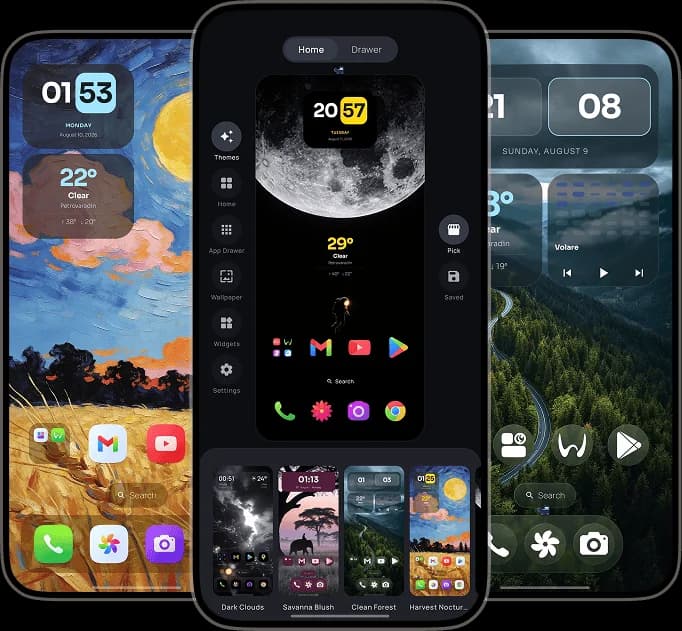
Every page uses current official sources and explains where the other launcher is genuinely stronger as well as where One4Home offers a better fit.
A detailed look at One4Home as a broader alternative, including exactly what a compatible Nova backup can import.
Read comparison →Launcher comparisonChoose Niagara if removing home-screen structure is the goal. Choose One4Home if you want to keep the familiar Android launcher model and gain deeper control over how every part of it looks and behaves.
Read comparison →Launcher comparisonChoose Lawnchair for an open-source Launcher3 foundation and Pixel-like behavior. Choose One4Home when complete visual setups and a broader built-in personalization system matter more than closely following the Pixel Launcher model.
Read comparison →Launcher comparisonSmart Launcher is stronger when automatic categorization and a long-established modular system lead the decision. One4Home is the more direct fit when you want a visually integrated launcher whose free core remains ad-free and does not ask for an account.
Read comparison →Launcher comparisonChoose Microsoft Launcher when cross-device productivity and work integration are the reason to switch. Choose One4Home when the home screen's look, layout and local personalization are the product—not a gateway to an account ecosystem.
Read comparison →Useful comparisons should help you choose, not manufacture a winner.
We explain the launcher model and daily workflow behind each feature instead of reducing products to checkmarks.
Competitor claims are checked against official sites, documentation, release notes and store listings, with links.
One4Home is a production release under active development. We date every comparison so changing features can be reviewed later.
Explore the complete Android launcher, then decide whether its themes, layouts, widgets and no-account approach fit your Home.